Cookbook / Coding assistants
OpenCode
Privatemode can be used as a model provider in OpenCode, an open-source agentic AI coding tool. Privatemode is registered as the privatemode-ai provider on models.dev, OpenCode's provider catalog, so the endpoint and the available models are already known to OpenCode. This document explains how to set up OpenCode to use Privatemode.
Setting up the Privatemode proxy
Follow the API quickstart and choose Other languages to run the Privatemode proxy. Usually, it's advisable to enable prompt caching via --disable-prompt-cache=false. Check that the proxy is up with curl http://localhost:8080/v1/models.
Configuring OpenCode
OpenCode enables a provider once it finds a credential for it. Export the provider's API key variable with a placeholder, because the proxy holds your API key, and refresh the provider catalog so that OpenCode lists the models Privatemode currently serves:
export PRIVATEMODE_API_KEY=placeholder
opencode models --refresh privatemode-ai
Set the default model in the opencode.json in your project directory (or globally at ~/.config/opencode/opencode.json):
{
  "$schema": "https://opencode.ai/config.json",
  "model": "privatemode-ai/glm-latest"
}
Privatemode offers privatemode-ai/glm-latest and privatemode-ai/glm-flash-latest for coding with OpenCode. Use one of the models listed by the previous step.
Using a different proxy address
The provider expects the proxy at http://localhost:8080/v1. If your proxy runs elsewhere, override the base URL in opencode.json:
"provider": {
  "privatemode-ai": {
    "options": {
      "baseURL": "http://<proxy-host>:8080/v1"
    }
  }
}
Providing an API key per user
To use a separate API key per user, export your own key instead of the placeholder:
export PRIVATEMODE_API_KEY="<your-api-key>"The proxy must be started with --api-key-fallback=never, otherwise it uses the configured key instead.
Starting OpenCode with Privatemode
Once the configuration is in place, start OpenCode:
opencodeYou can also select the model explicitly, e.g.:
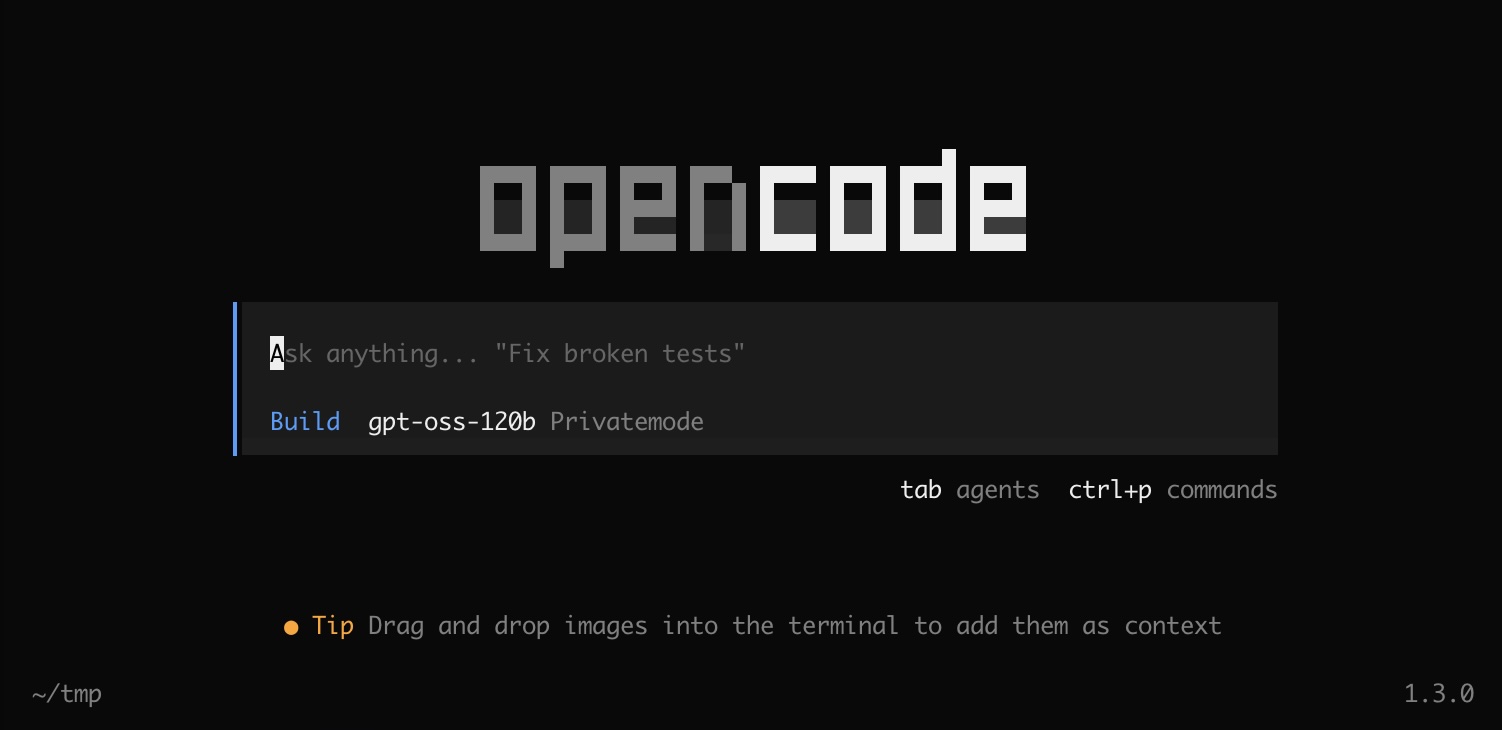
opencode --model privatemode-ai/glm-flash-latestYou will be greeted with a screen like the following. You are now ready to "vibe code" confidentially 🥳